
Settings
Settings is grouped by who a change affects, because that is the first thing worth knowing before
touching one on a site other people use. Every card says so on a badge: Site-wide is stored on the
server and shared by everyone, This browser is yours alone and follows nobody else.
This site
Section titled “This site”Target platform
Section titled “Target platform”Where generated data is written.
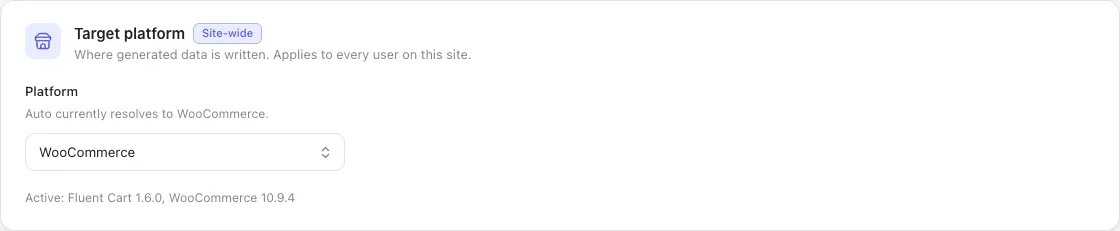
Stored site-wide, so it is not a per-user preference two administrators could set differently and then disagree about. The same control sits in the topbar; they are one setting.
With one store active, Auto resolves to it and there is nothing to decide. With more than one, Auto
refuses to guess and every control that writes stays disabled until you choose — see
Choosing a target for why that is a refusal rather
than a default.
The line beneath names the versions it found, so a store you expected to see and cannot is a plugin problem rather than a StoreSeeder one.
Who can generate data
Section titled “Who can generate data”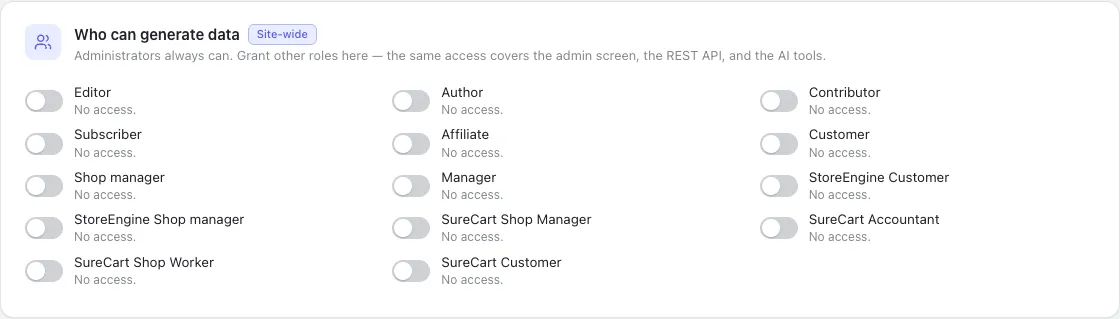
Administrators always can. Granting a role here covers all four surfaces at once — the admin screen, the REST API, WP-CLI and the AI tools — because a site that grants the routes but not the page has a broken plugin rather than a restricted one.
The list is every role the site defines, including those other plugins added, so what you see depends on what is installed.
AI tools (MCP)
Section titled “AI tools (MCP)”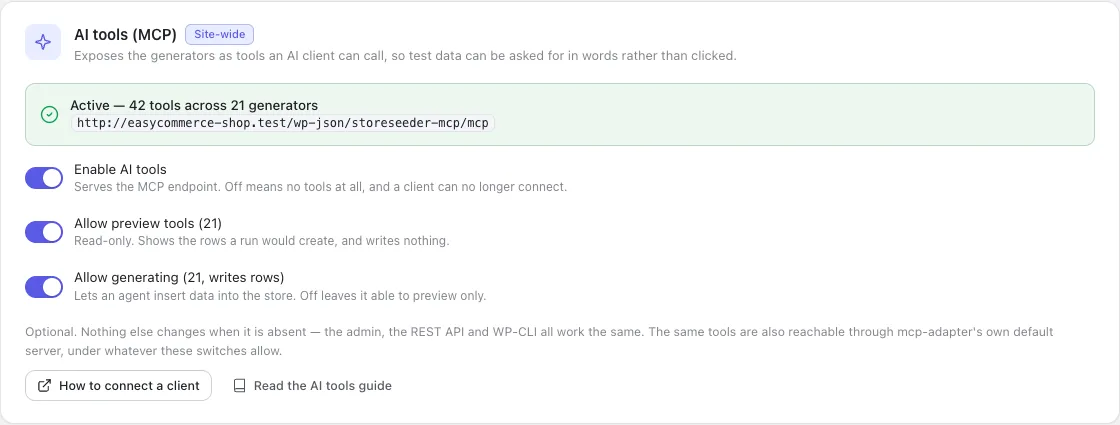
Exposes the generators as tools an AI client can call. Three switches, and the order matters:
| Switch | Off means |
|---|---|
| Enable AI tools | No endpoint. A client cannot connect at all. |
| Allow preview tools | No preview-* tools. Nothing can read a sample. |
| Allow generating | No generate-* tools. Previews still work; nothing can write. |
They are applied at registration, so a withdrawn tool is never registered rather than registered and refusing. A client cannot call something that was never offered, which is the strongest form the promise can take.
The green line is the endpoint and the live tool count. Full detail in AI and MCP.
Recipes
Section titled “Recipes”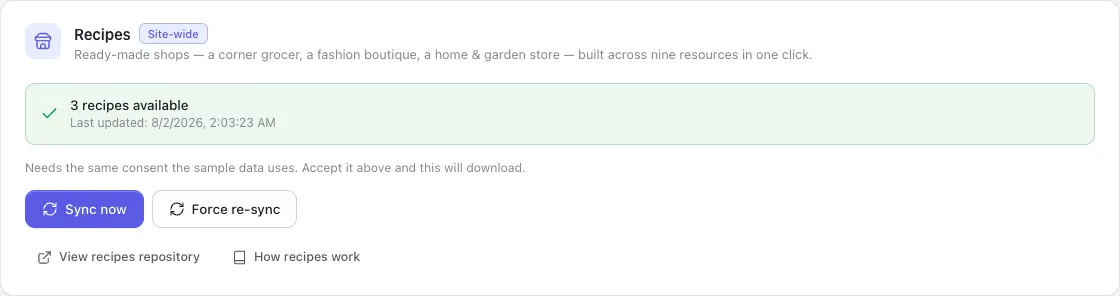
How many ready-made shops are downloaded, and when they were last fetched. Sync now pulls the archive; Force re-sync deletes the local copy first, which is what you want when a recipe has dropped a file between versions — a plain download writes over what is there and leaves anything the newer archive no longer ships.
Recipes live in their own repository, so a new shop type or a new locale for an existing one arrives without a plugin update. That is what the sync is for, and the Recipes page has a Refresh button that does the same thing from where you would notice needing it.
If the archive downloaded only partly, the recipes the index promises but that are not on disk are listed by name. A torn archive would otherwise present as a shorter list of recipes, and a shorter list looks like a decision somebody made.
Consent is shared with the sample data below — one record covers both downloads, so revoking it stops both.
Sample data
Section titled “Sample data”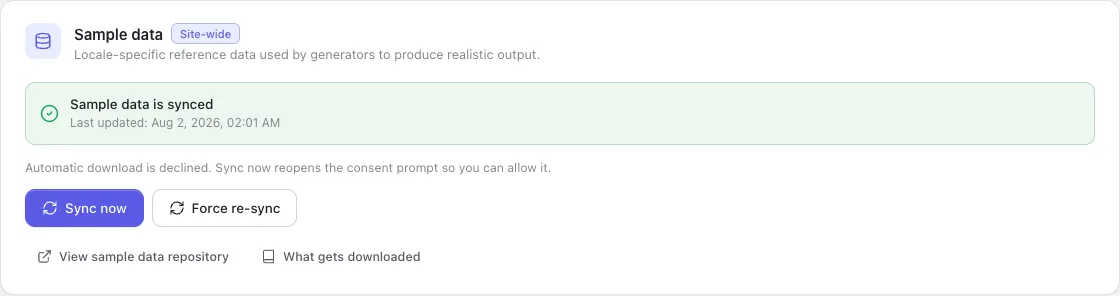
The optional vocabulary archive — country lists, phone patterns, product nouns, street formats — downloaded from GitHub.
The consent prompt is the only thing that grants permission. Until it is accepted, Sync now reopens the prompt rather than downloading, so the question always sits on the action that needs it. Revoke withdraws permission and stops future downloads.
Force re-sync deletes the local directories before fetching. It exists because a plain re-sync
once kept every stale file: WP_Filesystem::move() defaults to not overwriting, so an archive that
had changed was copied over an existing tree and silently lost the changes.
Declining costs nothing structural. Every generator keeps working from built-in defaults — you get fewer distinct nouns, not an error. See External services for exactly what is requested.
Your preferences
Section titled “Your preferences”Stored in this browser. Nothing here changes what anyone else sees.
Generation defaults pre-fill the count, locale and seed on every generator page, so a preferred working size is set once rather than typed each time.
Appearance is theme, accent and density. Density is not cosmetic: it retunes control heights, type sizes and padding together through tokens, so compact mode shrinks a page rather than only its buttons.
Run history caps how many recent runs per generator are kept for the dashboard’s counts and activity list.
Plugin
Section titled “Plugin”About carries the version and the links. Below it, the danger zone.
Every action there asks first, and each confirmation states what it will not touch, because the bound is the reassuring part:
- Delete generated data — walks the ledger. Your own data is never matched on.
- Forget the remaining records — drops the record without deleting the rows. The least reversible thing in the plugin.
- Clear run history & stats — empties the dashboard. Nothing leaves your store.
- Reset settings — rewrites local preferences only.
See Deleting generated data for what each one means and when to reach for it.